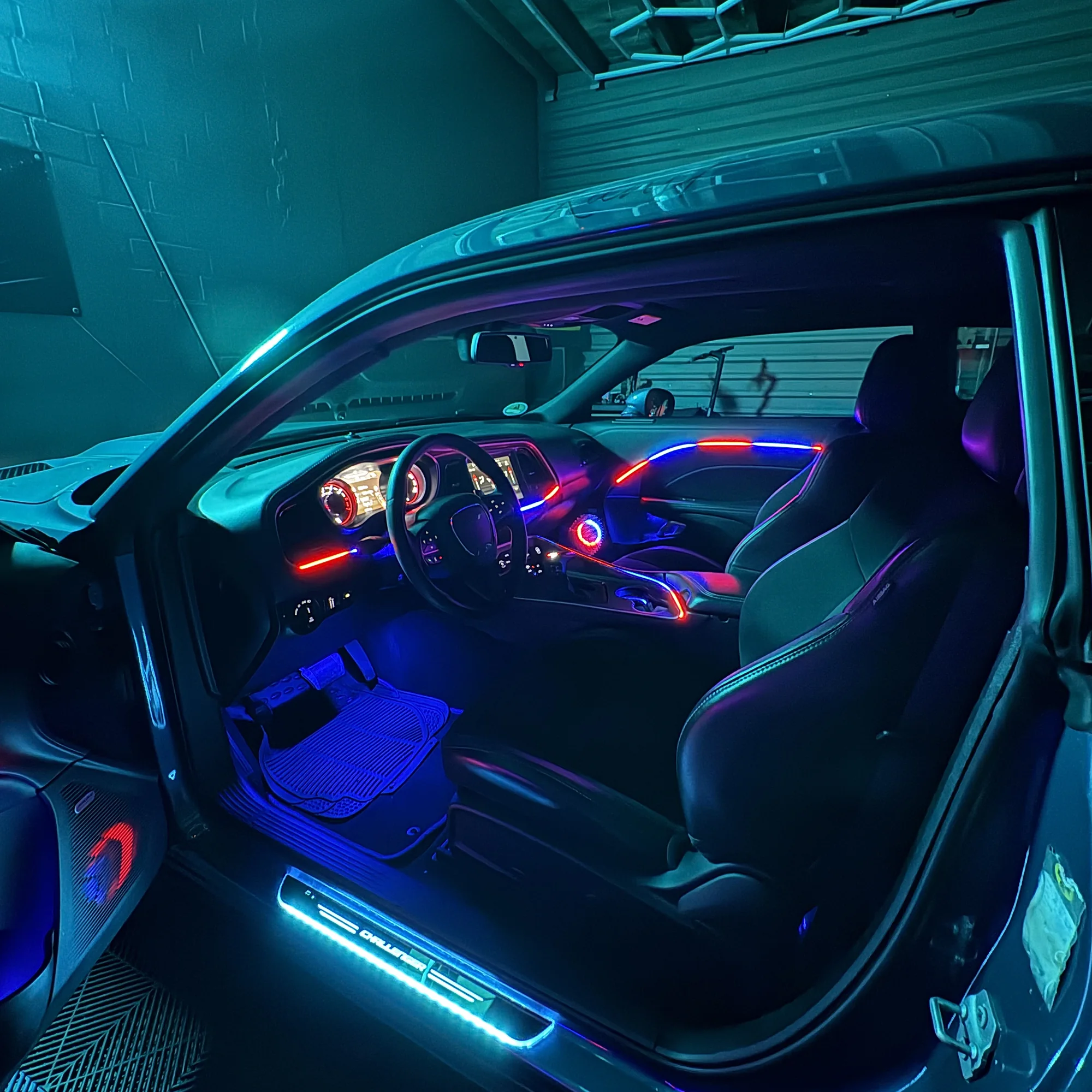

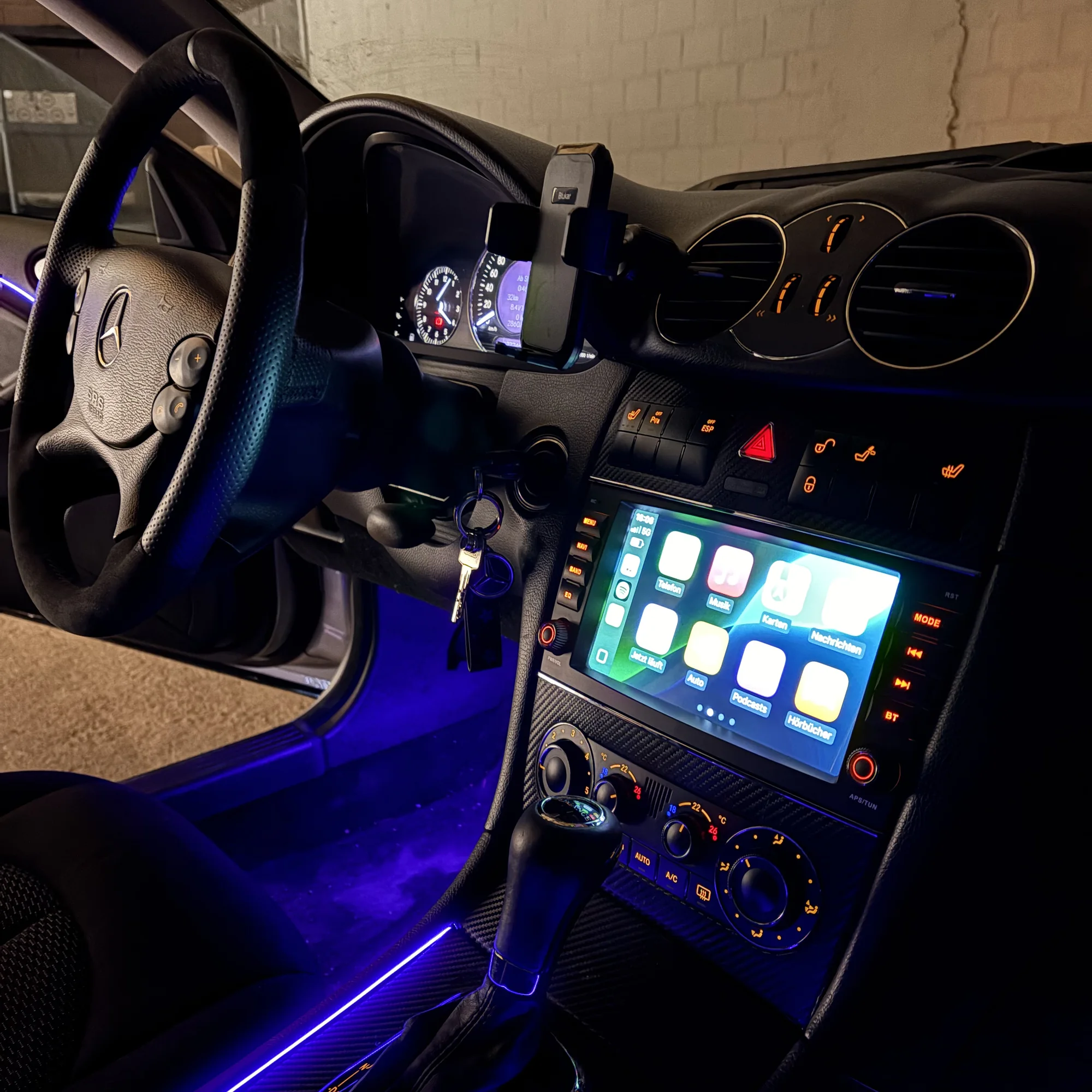
01Requirement 1: A factory display
A CarPlay interface needs a display to show its image on. If your car has an original factory display, even a small one, the chances are good. Cars with no display at all need a different solution, for example a replacement unit; we'll give you honest advice on what makes sense.
02Requirement 2: The head unit version
The head unit is the computer behind the display. Its version determines which interface is compatible, and whether you can operate it with the original buttons and rotary controller. Each manufacturer has its own names: Mercedes-Benz calls the generations NTG (Comand, Audio 20, MBUX), BMW has iDrive (CIC, NBT, EVO), Audi MMI (2G, 3G, MIB), and Volkswagen Composition Media, Discover Media and Discover Pro. Kia uses UVO and Kia Connect Display Audio, Hyundai Display Audio and Bluelink, Toyota Touch 2 and Smart Connect, Opel IntelliLink and Multimedia Navi, Range Rover InControl Touch, Touch Pro and Pivi Pro, and Fiat Uconnect.
You don't have to find out the version yourself: model and year are enough in most cases, and if in doubt the VIN settles it. That's exactly what happens at our free vehicle check.
03Wireless or wired?
Depending on the interface, CarPlay runs wirelessly or via USB. Wireless is more convenient day to day; the wired version charges your phone at the same time. We tell you which versions are available for your car with the quote. Both are operated with the original controls.
04What happens during installation
The interface is fitted behind the trim and the cables run along the factory routes, so nothing changes in sight. After installation, we test the pairing, explain how it works and read the fault memory. Usually everything is done in one appointment.